

Support for all Teams Phone options – Calling Plan, Direct Routing, Operator Connect, Teams Phone Mobile – with compliance-grade recording across voice, chat, video and screen sharing.
Designed for regulated organizations in Thailand and across APAC, including banks, insurers, brokers, capital markets, government agencies and enterprises that require full digital evidence across all channels.
Talk to us about Teams Compliance Explore Recording Insights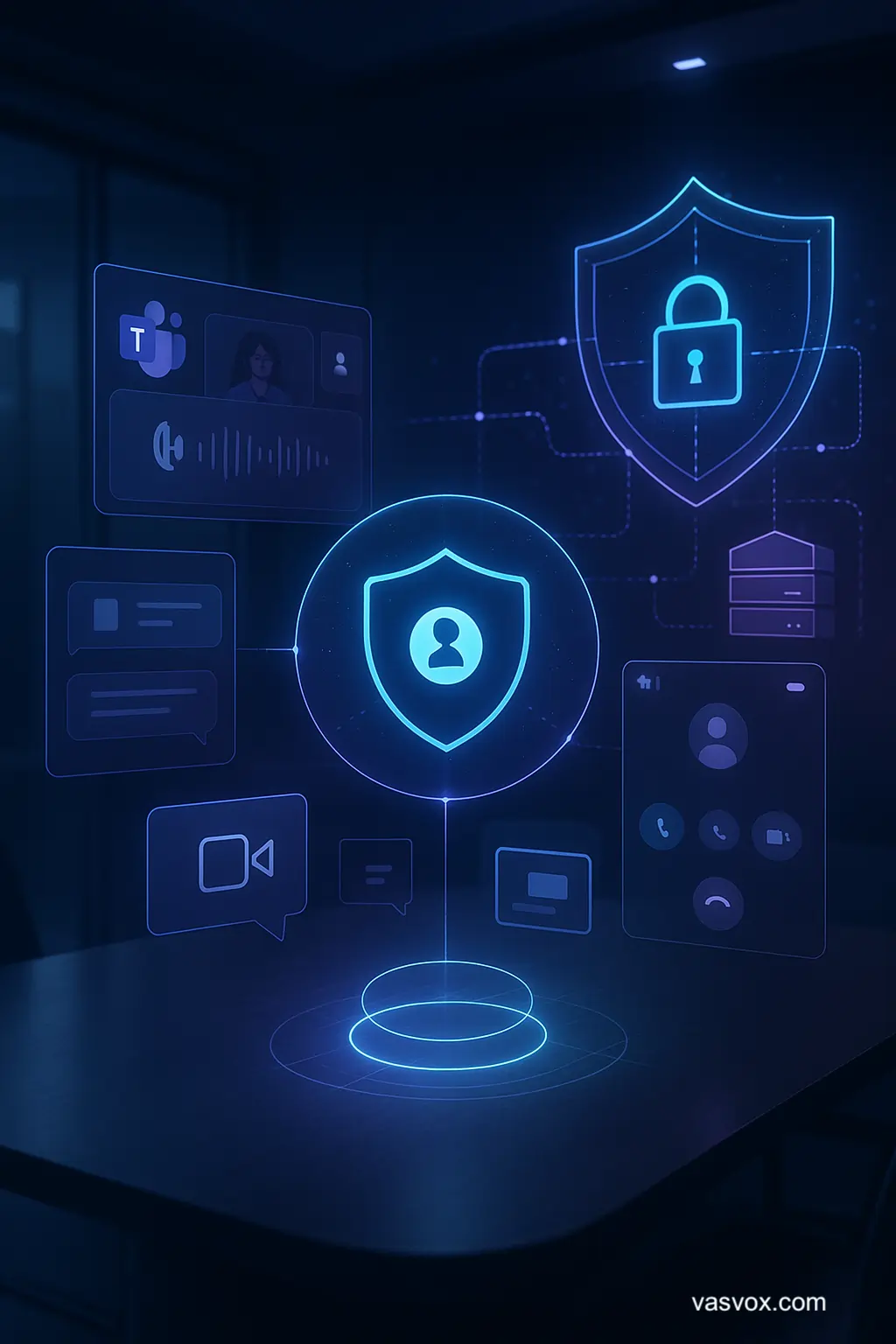
Whether you use Calling Plan, Direct Routing, Operator Connect or Teams Phone Mobile, our architecture delivers compliance-grade recording for every interaction – voice, chat, video and screen sharing – under a single policy engine.
This means that no matter where your employees communicate – desk phone numbers, softphones,
Teams on laptops, mobile devices or Teams Phone Mobile – your organization can still capture
and retain the required evidence to meet PDPA and global regulatory obligations.
Security & Trust Architecture for financial & government organizations →
If your organization is planning a roadmap from legacy PBX to full Microsoft Teams Compliance, you can explore more scenarios on our Business Case and Portfolio pages.
Under the Vasvox architecture, organizations are free to choose any Microsoft Teams Phone option while still maintaining a compliant recording and evidence framework aligned with PDPA and industry regulations. You can flexibly integrate with ASC Recording Insights and ASC Neo as required.
| Teams Phone Option | Where the phone numbers live | Typical use case in Thailand | Compliance recording method | Mobile recording support |
|---|---|---|---|---|
| Calling Plan | Numbers hosted by Microsoft | Organizations that adopt Teams-first telephony and take numbers directly from Microsoft. | Native recording via ASC Recording Insights | Supported via Teams clients (mobile/PC) under enforced recording policies. |
| Direct Routing | Numbers at SBC / Telco / SIP trunk | Organizations with existing PBX or SIP providers in Thailand. | Dual-layer recording: ASC Neo on the SIP side + ASC Recording Insights on the Teams side. | Supported for calls via SBC and Teams clients. |
| Operator Connect | Numbers at telecom operator | Organizations preferring a managed service from local telecom providers. | Recording via ASC Recording Insights integrated with Operator Connect. | Supported when Teams is used as the endpoint on mobile or PC. |
| Teams Phone Mobile | Mobile numbers directly tied to Teams | RMs and customer-facing staff who must use mobile numbers for transactions and service. | Native mobile recording via ASC Recording Insights . | Full-featured mobile recording support. |
For organizations using Microsoft Teams Phone as their primary communication channel, ASC Recording Insights can feed all captured data into AI-driven conversation analysis. The system evaluates greeting quality, agent introduction, PDPA/consent disclosure, customer identity verification, script adherence, mis-selling detection, and overall behavioral compliance.
Perfect for Teams-based contact centers, telesales, and inbound/outbound agent operations that require higher service quality, lower compliance risk, and complete audit-ready evidence.
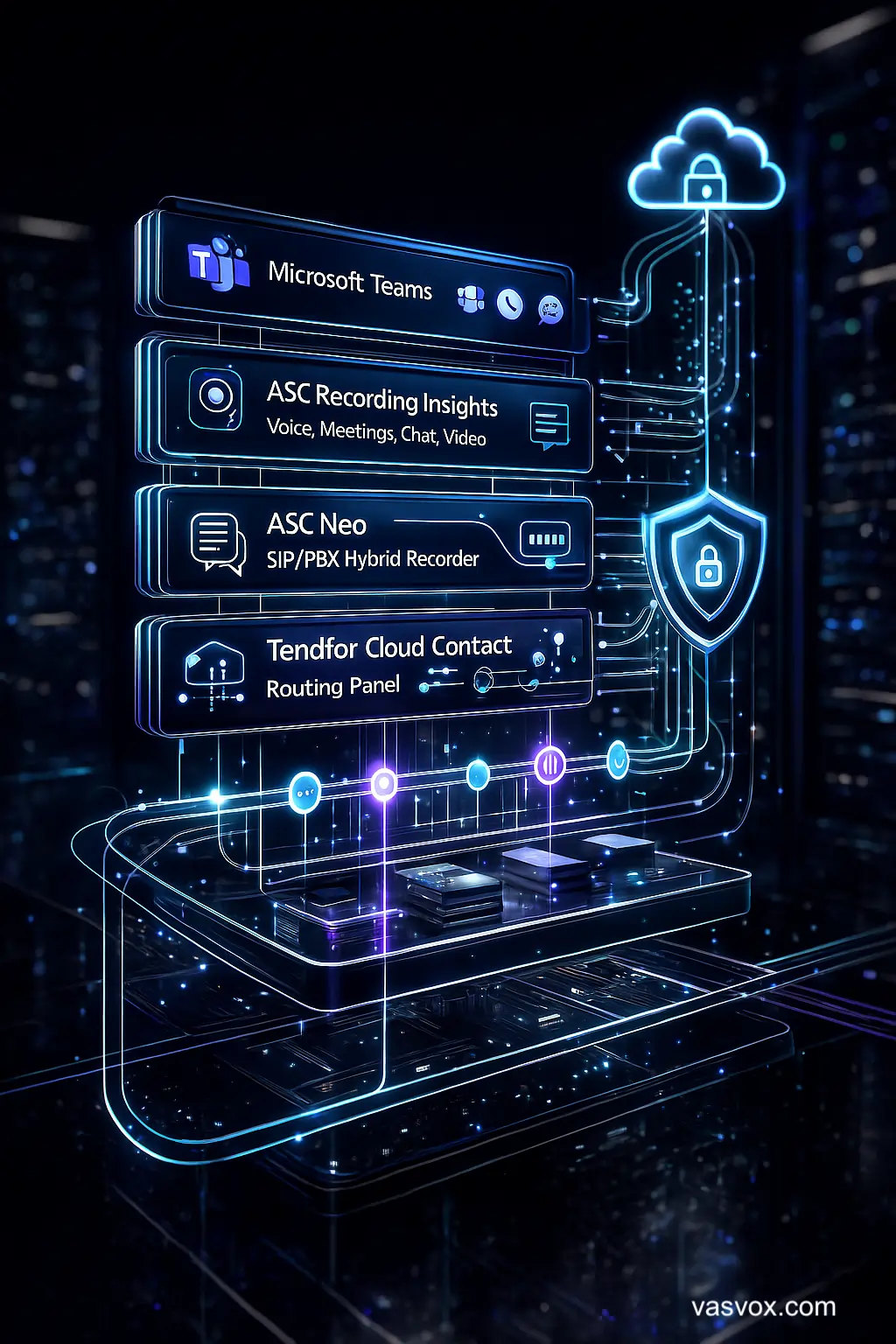
Learn moreThe Vasvox architecture connects Microsoft Teams with ASC Recording Insights, ASC Neo and Tendfor Cloud Contact Center to create a unified view of all interactions – with metadata, policies and audit trails in a single structure.
Everything is designed following Privacy by Design, Least Privilege and PDPA/GDPR principles, with options for data residency fully within Thailand.
If your organization is exploring ways to leverage AI to support Policy Review, Suitability checks, and KYC/AML monitoring, you can learn more at our AI Compliance Policy Engine which is purpose-built to integrate seamlessly with Teams Compliance and Vasvox’s recording ecosystem.
The architecture also allows you to integrate back-end systems – such as CRM, Dynamics 365, Salesforce or core banking – with your recording data so that every conversation is linked to a customer, project or account, forming a Customer Communication Timeline that is easy to search and review.
If you are planning a staged migration from legacy platforms, you can combine Recording Insights, ASC Neo and Tendfor Cloud Contact Center to move towards full omni-channel compliance at your own pace.
Vasvox’s Teams Compliance solutions are deployed across industries that must balance flexible ways of working with strict regulatory requirements.
Investment advice delivered via Teams, Teams Phone Mobile and other digital channels requires reliable evidence to meet MiFID II-style expectations, PDPA obligations and local central bank guidance. Recording can be linked with CRM or dedicated business cases.
Many organizations run both a traditional contact center and Microsoft Teams side-by-side. Supervisors need a single timeline and evidence view combining both worlds, tied to complaints, tickets and CRM. Tendfor Cloud Contact Center can further enhance this capability.
Senior executives often rely on Teams and mobile devices when making high-impact decisions. Certain channels must be captured to provide evidence for approvals, instructions or binding agreements – while still respecting privacy and PDPA rights.
Every customer interaction – whether via contact center, Teams meetings, Teams Phone Mobile or chat – can be consolidated into a single journey timeline with digital evidence that is always available for review.
Connect recordings, transcripts, metadata, CRM records, tickets and policies into a single evidence set to support audits, investigations and management information (MI).
Designed to align with PDPA/GDPR and sector-specific guidelines such as central bank, securities and insurance regulators, with detailed role-based access control and options for Thai data residency.
Turn communications data into dashboards and reports for executives, rather than only using recordings when something goes wrong. Integrate with your existing analytics or BI platforms.
These are common questions raised by Compliance, IT and business stakeholders when they start to design a Microsoft Teams Compliance Recording architecture.
It is the practice of designing Microsoft Teams so that conversations – meetings, voice, video, chat and screen sharing – are captured and stored under a well-defined compliance policy. This includes access control, audit trails, retention rules and integration with core systems such as CRM or core banking.
Native Teams recording is mainly designed for collaboration and user convenience. Solutions such as ASC Recording Insights are purpose-built for compliance recording, with policy engines, audit trails, role-based access, retention policies and integration with other enterprise systems.
Yes. With policy-based recording you can specify which users or groups are recorded – for example RMs, dealers, treasury, contact center agents or investment advisory teams – while general employees can continue to use Teams without being recorded, preserving internal privacy.
The architecture supports on-premise, hybrid and cloud deployment options. Data can be stored in Thai data centers to meet local residency requirements, and can be designed with geo-redundancy for resilience and business continuity.
With Teams Phone Mobile, mobile numbers are directly associated with Microsoft Teams. Conversations involving transactions or advice can be recorded through ASC Recording Insights under the same policies as fixed-line numbers, ensuring RMs and sales staff are fully compliant while on the move.
Yes. We can design an architecture where your existing contact center + Microsoft Teams + ASC Neo + ASC Recording Insights work together as one system. All interactions can be consolidated into a single timeline, and extended with Tendfor Cloud Contact Center when you are ready.
In practice, it is a joint initiative across IT, Compliance and a business owner. IT manages architecture and technical integration, Compliance defines policies and controls, and business owners define use cases and the business outcomes that the solution must support.
Yes. AI can help analyze keywords, sentiment, script adherence and potential risk indicators. However, it must be implemented in line with PDPA and Privacy by Design principles, with clear boundaries on who can access which level of information. You can learn more on our Speech Analytics page.
Retention should be jointly defined by legal, Compliance and business leadership, based on applicable laws and sector-specific regulations (e.g. banking, securities, insurance). Our solution supports multiple retention policies for different user groups or interaction types.
A compliance recording platform helps you locate interactions related to a specific customer quickly. Your DPO or PDPA team can then decide, based on internal policy, whether to grant access, restrict access or partially retain data to meet other legal and regulatory obligations at the same time.
If you are just starting to explore voice recording for compliance, we recommend reading Compliance Recording 101 to understand the core concepts before designing your Teams Compliance architecture.
A practical reference covering concepts, requirements, and sample TOR clauses for Recording and Compliance solutions — designed for procurement, legal, and IT teams in regulated organizations.
Read more on the TOR Guidelines →Whether you operate in banking, insurance, brokerage or the public sector, the Vasvox team can help you design a Microsoft Teams Compliance Recording architecture that aligns with both regulatory expectations and your business goals.
Schedule a discussion with our consultants Send us your project requirements